Agency Plan: Run Every Keap to Go High Level Migration for One Yearly Price
You already know how to move a business off Keap. The question is how much of each migration fee you get to keep.
The CRM Importer Agency plan is $997 per year, and while it is active every import you run is included. No per-contact, per-order or per-file charges. You quote your client whatever your expertise is worth, and the difference is your margin.
What is the CRM Importer Agency plan?
The Agency plan is built for Keap/Infusionsoft and GoHighLevel consultants who migrate clients as part of their service. It replaces pay-as-you-go pricing with one yearly fee, billed through Stripe.
When you start an import on the plan, the wizard shows "Included in your Agency plan" next to the pay-as-you-go value that import would have cost. The report shows the same figure. You see exactly what the plan saved you on every job.
Agency plan vs pay as you go
| Pay as you go | Agency plan | |
|---|---|---|
| Price | Per item, per import | $997 per year |
| Contacts | $0.001 each | Included |
| Unique tags | $0.01 each (assignments free) | Included |
| Orders | $0.10 each + $0.02 per additional payment | Included |
| File Box files | $0.20 each | Included |
| Contact notes | $0.01 each | Included |
| Fix window after an import | 72 hours | 30 days |
| Client name on each import | No | Yes |
| Agency dashboard with totals and savings | No | Yes |
| Imports at a time | — | One |
Stripe promotion codes can be entered at checkout when you buy the plan.
How do you charge clients for a Keap to GoHighLevel migration?
However you like. CRM Importer does not bill your clients and does not set your price. You pay one fee for the year; what you charge for each migration is your business.
Here is why that matters. Pay-as-you-go prices are small for contacts and tags (a 10,000-contact account with 100 tags is about $11 before orders), but orders, payments, files and notes add up on established Keap accounts. Take an example client using the published per-item prices:
| Item | Count | Pay-as-you-go cost |
|---|---|---|
| Contacts | 25,000 | $25.00 |
| Unique tags | 300 | $3.00 |
| Orders | 8,000 | $800.00 |
| Additional payments | 4,000 | $80.00 |
| File Box files | 2,000 | $400.00 |
| Contact notes | 10,000 | $100.00 |
| Total | $1,408.00 |
One client of that size costs more on pay as you go than the whole Agency year. Every migration after that is margin you set yourself.
Your quote can reflect what you actually deliver: field-mapping decisions, a test import by tag, cleaning up failed contacts, reviewing flagged invoices and handing over a verified GoHighLevel account.
What does each client migration include?
Every import on the plan has the full feature set. For each client you can bring across:
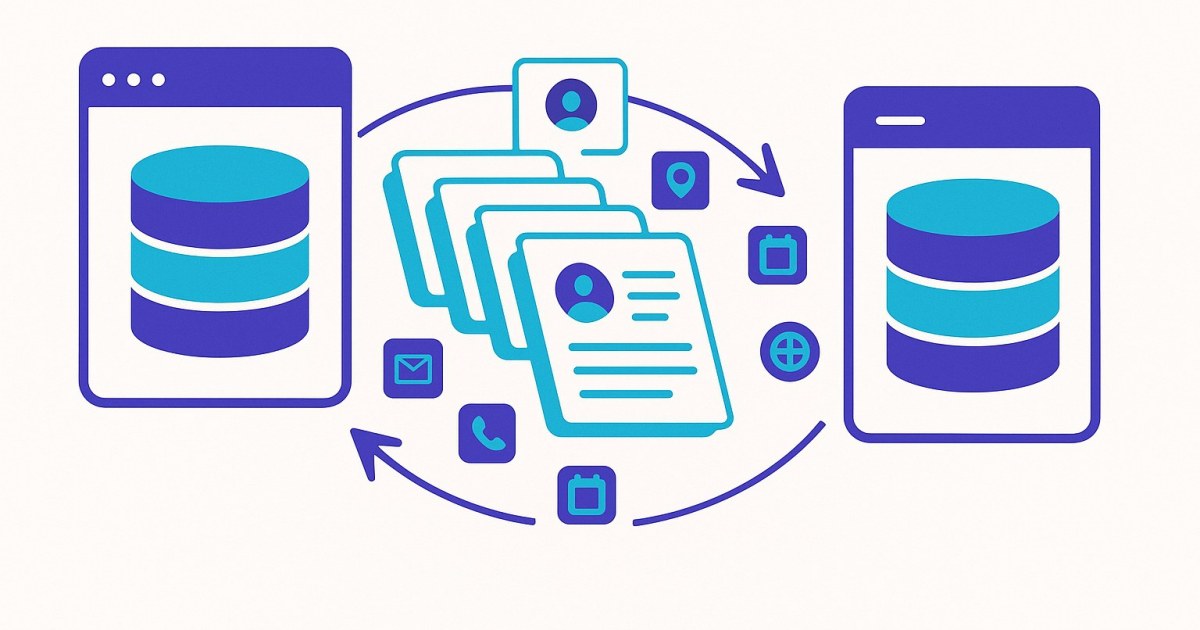
- Every contact with first name, last name, email, phone, address and every mapped custom field. Phones are converted to international (E.164) format; contacts without a valid email still import with a placeholder address and an explanatory note.
- Every tag and its category, applied to the right contacts, plus an optional tag history note listing each Keap tag and the date it was applied.
- Orders & invoices: each Keap order with a balance becomes a GHL invoice numbered IS-<Keap order id>, with payments recorded in date order. Refunds, declines and write-offs are told apart, and every imported invoice is read back and compared with Keap.
- File Box files, uploaded to the GHL contact's documents, with HTML files converted to PDF.
- Contact notes, each with a footer linking it back to the original Keap note.
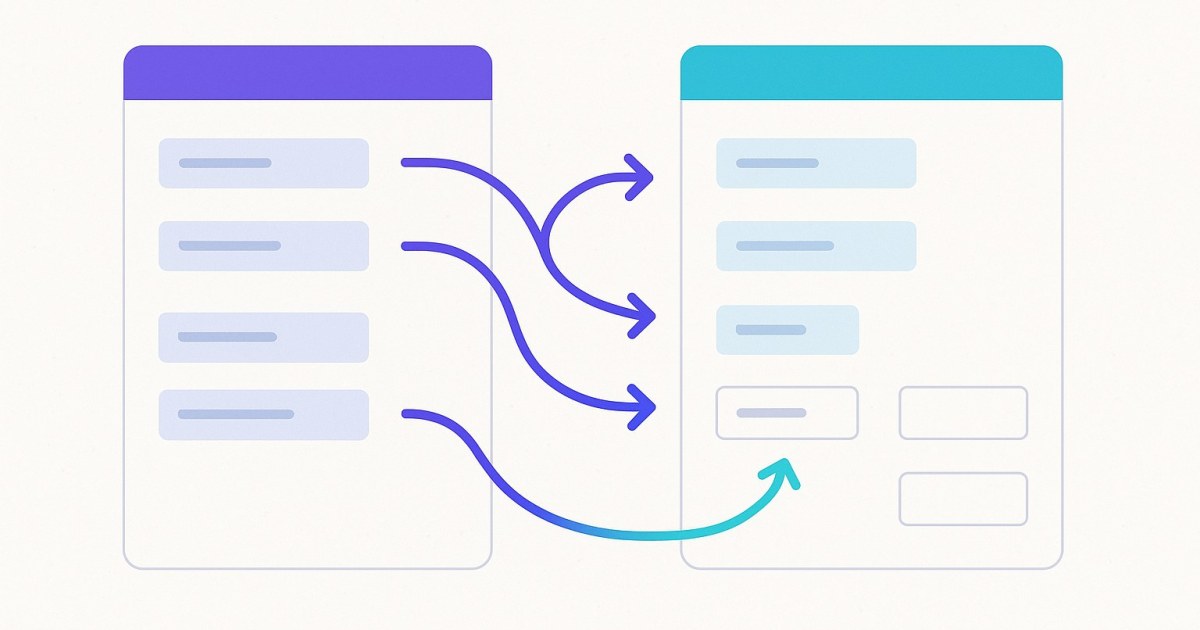
- Custom field mapping: Skip, Map to GHL field, or Create new in GHL for every Keap field. Mappings are saved per account pair.
Be clear with clients about scope: Keap companies, opportunities, tasks, appointments, campaigns/automations, email history, products/subscriptions as GHL products and saved cards are not migrated.
How does an agency migration work?
The same four steps for every client:
- Connect the client's Keap account on the Integrations page with Keap's official OAuth sign-in. Access can be revoked from Keap at any time.
- Connect the client's GHL sub-account with a Private Integration Token and the Location ID. Give it a nickname; you can connect several sub-accounts.
- Select your accounts and add a Client name ("for your records"), review the dry run, choose options and map fields. Use the tag filter to run a small test first.
- Start the import and watch progress. The page shows "Estimated time remaining" and every stage. You can safely close the tab; an email arrives when it finishes.
Abort is available throughout, and a failed import can be resumed with Retry → in Import history without pushing contacts again.
How do you keep track of every client?
The Agency page in the top navigation is your migration ledger. It shows:
- Plan status (renews on, or cancelled and active until)
- Card & invoices through Stripe's portal
- Totals across all imports: imports, contacts, tags, notes, orders, payments, files
- Pay-as-you-go value, Paid for the plan and Saved vs pay-as-you-go
- Every import with its counts and value
The Client name you entered appears in Import history and on the Agency page, so you can match each import to an engagement.
Why does a 30-day fix window matter for consultants?
Agency imports get 30 days to fix what is left, instead of 72 hours. That is time to send failed contacts back to the client, wait for answers about odd orders, and still finish inside the same import.
The report gives you the tools:
- Fix contacts one by one →: edit name, email or phone and Save & retry →. Corrections are remembered for later imports of that Keap account.
- Resolve issues one by one → for orders: evidence tiles, the full Keap payment list, Ask AI to help, Retry this order and Mark resolved.
- Download all order outcomes as a CSV for your client handover.
When the window closes, unresolved contacts are tagged in Keap (ImportToGHLFailed-{date}) so a follow-up import by tag brings in just those.
What should you know before you sign up?
- One import runs at a time. A second start is refused with a message naming the running import; wait for it or abort it.
- One seat per account. Signing in on a second device signs the first out.
- Cancel at year end stops renewal. There are no refunds; the plan runs to the end of the paid year, and Keep the plan undoes the cancellation.
- When the plan ends, running imports finish. The wizard then shows "Your Agency plan has ended" with Renew the Agency plan →.
Compare both options on pricing, see every capability on features, or read setup guides in the help centre.
Next steps
Create your account, buy the Agency plan from the Agency page, and run your first client's Keap to GoHighLevel migration today. Every import after that is included for the year.
Frequently asked questions
How much does the CRM Importer Agency plan cost?
The Agency plan costs $997 per year, billed through Stripe. While it is active, every Keap to GoHighLevel import you run is included, with no per-contact, per-order or per-file charges.
Can I charge my clients whatever I want for the migration?
Yes. CRM Importer does not bill your clients or set your prices; you pay the yearly plan fee and decide your own migration fee.
Can I run several client imports at the same time on the Agency plan?
No. One import runs at a time; a second start is refused with a message naming the running import, so wait for it to finish or abort it.
How long do I have to fix failed contacts and orders on the Agency plan?
Agency imports have a 30-day fix window instead of the 72 hours on pay as you go. During that time you can retry contacts and orders from the import report.
What happens if I cancel the Agency plan?
Cancel at year end stops renewal with no refund, and the plan runs to the end of the paid year. Running imports finish when the plan ends, and you can renew from the wizard.
What does a Keap to GoHighLevel migration not include?
Keap companies, opportunities, tasks, appointments, campaigns/automations, email history, products/subscriptions as GHL products and saved cards are not migrated.
Ready to move from Keap to GoHighLevel?
Connect both accounts, map your fields, and watch the import run. Pay only for what succeeds.