Keap Tag Migration to GoHighLevel: Every Tag, Every Contact
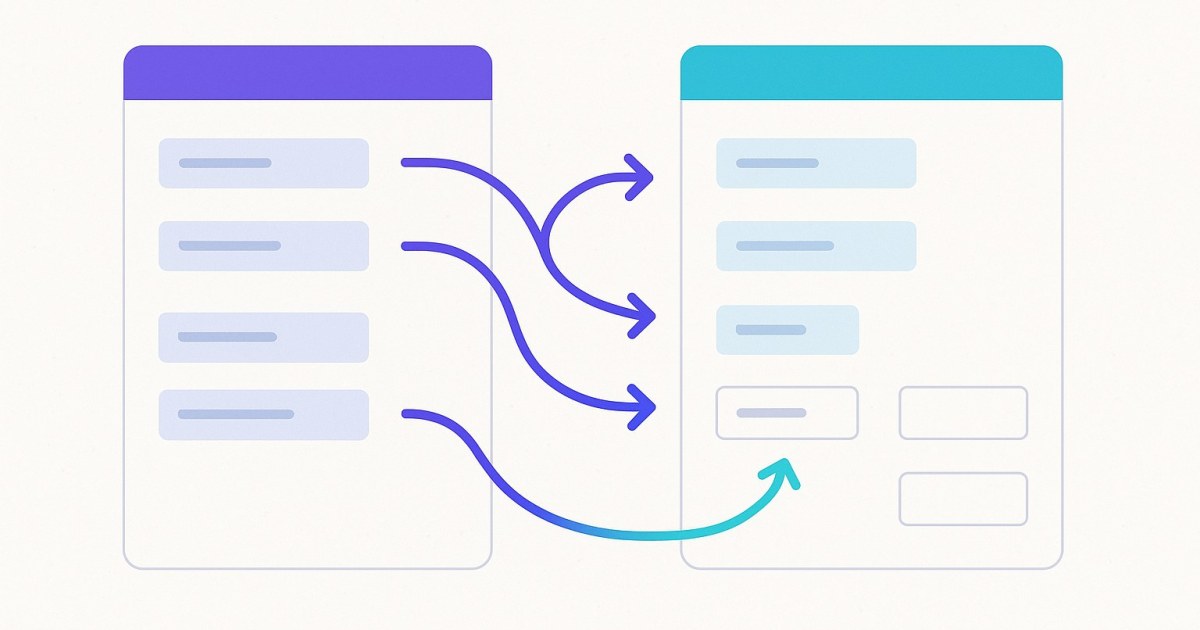
CRM Importer recreates every Keap tag in GoHighLevel, keeps its category, and applies it to every imported contact that had it, so your segments work on day one. You pay $0.01 per unique tag, and assignments are free.
Your Keap tags hold your segmentation: who bought, who attended, who is a lead, who unsubscribed from a list. If they don't come across, your GoHighLevel account starts with contacts but no context.
CRM Importer creates every Keap tag in your GHL sub-account and applies it to every imported contact that had it. Your segments arrive intact and ready to use.
What does Tag Migration do?
During an import, CRM Importer runs two tag stages:
- Exporting tags from Infusionsoft: reads every tag, its category, and the tag map (which contact has which tag).
- Pushing tags to GoHighLevel: creates each tag in GHL, then applies it to all of its contacts.
The result: each GHL contact carries the same tags it had in Keap. You do not export CSVs, rebuild tags by hand, or bulk-edit contacts afterwards.
How are Keap tags moved to GoHighLevel?
Tags are pushed after your contacts are in GHL, so every assignment has a contact to land on.
- Tags are created first. Every unique Keap tag becomes a GHL tag.
- Tags are applied in bulk. Each tag is applied to all of its contacts in one GoHighLevel call, 100 contacts per call, across three parallel streams.
- Progress is shown live. The progress page shows "N of M tags applied to their contacts" while this runs.
- Optional tag-history notes are added. If you ticked the option, a second pass posts the note to each contact and shows "N of M contacts given a tag-history note".
You can close the tab once the import starts. It runs in the background, progress appears on the page and on Import history, and you get an email when it finishes.
What happens to Keap tag categories?
Keap groups tags into categories. CRM Importer keeps that grouping:
| Your GHL account | How the tag appears |
|---|---|
| Supports tag categories | Tag created inside its matching category |
| Does not support tag categories | Tag named "Category - Tag" |
Either way, the category stays visible, so similarly named tags from different categories stay distinct.
Can I keep the date each tag was applied?
GoHighLevel tags do not carry the date they were added in Keap. To keep that history, tick Add tag history note to each contact on the review screen. It's free.
Each GHL contact then gets a note listing every Keap tag it had and the date it was applied. This is useful when you need to know when someone became a customer or joined a list.
How much does tag migration cost?
You pay $0.01 per unique tag created. Tag assignments are unlimited and free.
| Item | Price |
|---|---|
| Unique tag created in GHL | $0.01 |
| Tag applied to a contact | Free, unlimited |
| Tag history note | Free |
| Contact pushed | $0.001 |
A 10,000-contact migration with 100 tags costs about $11 before orders. A tag applied to 5 contacts or 5,000 contacts costs the same $0.01. Only successful items are charged, and there is no subscription. See pricing.
What if a tag can't be applied to a contact?
One failed assignment does not stop the import. It is counted ("N assignment(s) could not be applied"), logged, and the tag phase carries on.
Tags can only land on contacts that made it into GHL. If a contact fails, open the Failed contacts panel in the report and use Fix contacts one by one →. When you click Save & retry →, the contact is pushed again and its tags and tag-history note are added automatically. Retries within the 48-hour fix window are paid from your existing card hold, not charged again.
Can I migrate only contacts with a certain tag?
Yes. On the first step of the import page, use the tag filter: "import only contacts with this IS tag". Only contacts carrying that Keap tag are imported, with all of their tags.
Use it to:
- Run a small test before the full move.
- Migrate in phases, one segment at a time.
- Leave old or inactive contacts behind.
What should I check before importing tags?
- Allow Duplicate Contact. In GHL, go to Settings → Business Profile and turn this on if you want each Keap contact as its own record. With it off, GHL merges contacts that share an email, and their tags land on one shared record.
- Automations do not migrate. Keap campaigns and automations are not moved. Your tags arrive, but you rebuild any workflows that trigger on them in GHL.
- Field mapping. Tags need no mapping, but you'll map Keap custom fields on the same import page. See Custom Field Mapping.
Step-by-step guides are in the help center, and migration tips are on the blog.
Next steps
Connect Keap, connect your GHL sub-account, choose your options and watch your tags arrive. The review screen shows your contact count and estimate before anything is charged.
Frequently asked questions
Does CRM Importer migrate Keap tags to GoHighLevel?
Yes. Every Keap tag is created in your GHL sub-account and applied to every imported contact that had it in Keap.
Are Keap tag categories kept in GoHighLevel?
Yes. Where your GHL account supports tag categories, each tag is created in its category. Otherwise the tag is named "Category - Tag" so the grouping stays visible.
How much does it cost to migrate tags from Keap?
$0.01 per unique tag created. Applying tags to contacts is unlimited and free, and the optional tag history note is also free.
Can I keep the date each Keap tag was applied?
Yes. Tick Add tag history note to each contact, and each GHL contact gets a note listing every Keap tag and the date it was applied.
Can I import only contacts with a specific Keap tag?
Yes. Use the tag filter on the import page to import only contacts carrying that Keap tag, which works well for a test run or a phased migration.
Do Keap automations that use tags migrate too?
No. Campaigns and automations are not migrated. Your tags arrive in GHL, and you rebuild any workflows that use them.
Ready to move from Keap to GoHighLevel?
Connect both accounts, map your fields, and watch the import run. Pay only for what succeeds.