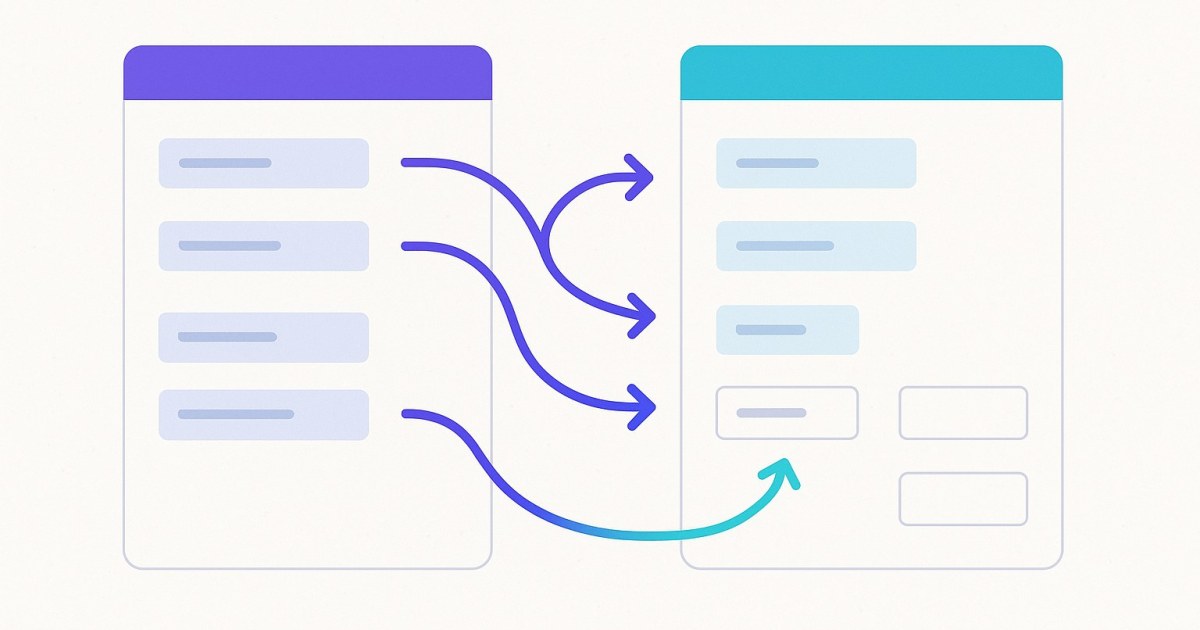
Full Contact Migration from Keap to GoHighLevel
Move every Keap contact into GoHighLevel with core fields pushed automatically and every other standard or custom field mapped your way. Contacts with no email are imported too.
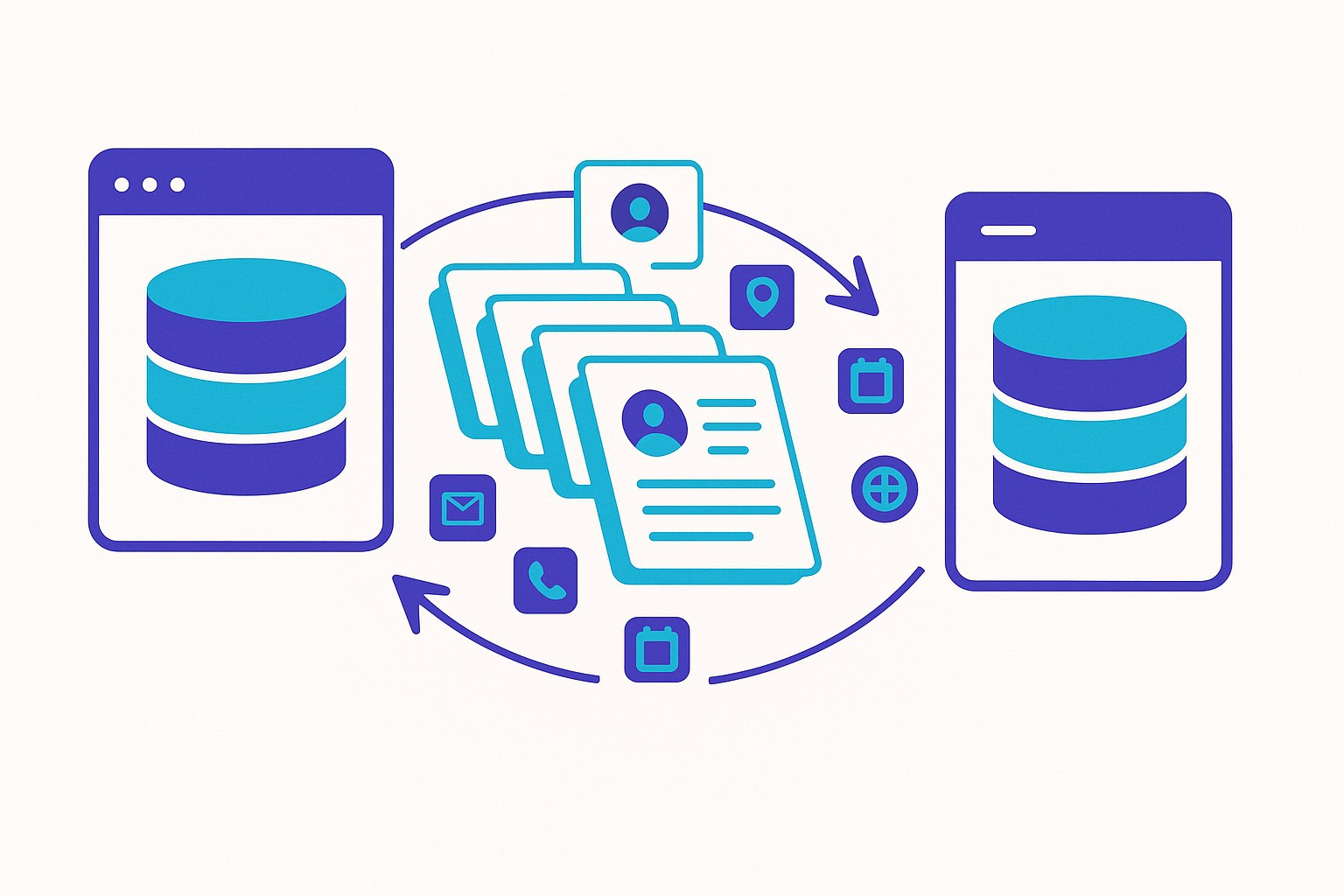
Every contact in your Keap (formerly Infusionsoft) account moves into your GoHighLevel sub-account, with no developer needed. Core fields are pushed automatically. Every other Keap standard and custom field appears on a mapping screen, where you decide where it goes.
Which Keap contact fields move to GoHighLevel automatically?
These fields are pushed for every contact without any setup:
| Keap field | Lands in GoHighLevel as |
|---|---|
| First name | First name |
| Last name | Last name |
| Phone | Phone |
| Address line 1 | Address line 1 |
| City | City |
| State | State |
| Postal code | Postal code |
| Country | Country |
Everything else depends on how you set up field mapping (below).
How do company, website, date of birth and custom fields move?
Every Keap standard and custom field is listed on the "Map fields to GoHighLevel" screen, and you choose what happens to each one. This covers standard fields beyond the core set above, such as company, website or date of birth, and all of your own Keap custom fields.
These fields do not go into GoHighLevel's built-in fields automatically. You map them to GHL custom fields:
- Skip: the field is not imported.
- Map to GHL field: choose a custom field that already exists in your GHL sub-account.
- Create new in GHL: CRM Importer creates a matching custom field for you.
Two shortcut buttons handle long lists: "Skip all" and "Create all in GHL". Phone 2 and Phone 3 can also be mapped to custom fields, so secondary numbers are not lost.
Mappings are saved per account pair. If you run a second import between the same Keap account and GHL sub-account, your choices are already filled in.
Keap stores a company name on a contact as a field, which you can map. Keap company records themselves are not migrated.
What happens to contacts with no email or a bad phone number?
Nothing is skipped for lack of an email. A contact with no email, or with an email GHL rejects, is still imported. It gets a unique placeholder address on your Keap account's domain and a note explaining why, so the contact and all of its history exist in GHL.
Phone numbers are cleaned to digits (a leading + is kept):
- A number with fewer than 7 or more than 16 digits is not sent to the phone field.
- It is saved instead in a note on the contact titled "Skipped Telephone".
- If GHL rejects a phone, the contact is saved without it and the number goes into that same note.
Will contacts that share an email be merged?
That depends on one GHL setting: Allow Duplicate Contact (Settings → Business Profile, contact deduplication).
- On: each Keap contact becomes its own GHL record.
- Off: GHL merges contacts that share an email into one record (for example, children on a parent's email), and their tags and orders land on that shared record.
Turn it on before importing if you want separate records. Retries never create duplicates: CRM Importer keeps its own map of Keap ID to GHL ID, so a contact pushed twice is updated.
Do tags come across with contacts?
Yes. Every tag and its category is created in GHL and applied to the right contacts. Where your GHL account supports tag categories they are used; otherwise the tag is named "Category - Tag".
Tick Add tag history note to each contact (free) to add a note listing every Keap tag on that contact and the date it was applied.
Can I test with a small group first?
Yes. Use the tag filter: "import only contacts with this IS tag". Only contacts carrying that Keap tag are imported. It also works for phased migrations, one segment at a time.
What if some contacts fail?
Failed contacts are listed in the report with the exact error, and you can fix them on the spot. The Failed contacts panel shows name, email, error and a link to the Keap contact, plus:
- Download all as CSV
- Retry per contact
- Fix contacts one by one →: a stepper showing Contact 1 of N, the error, a badge ("email problem", "phone problem" or "other") and editable First name, Last name, Email and Phone. Click Save & retry → to push the contact again with the same field mappings, its tags and tag-history note.
Corrections are remembered per Keap contact and applied automatically on later imports of that Keap account.
How much does contact migration cost?
$0.001 per contact pushed and $0.01 per unique tag. Tag assignments are free. There is no subscription. Failed contacts are never charged.
| Example | Approximate cost |
|---|---|
| 10,000 contacts with 100 tags | about $11 (before orders) |
You see the estimate before anything is charged, and you approve the exact total after exporting. Orders and File Box files are optional extras; see pricing.
What isn't migrated with contacts?
Keap companies, opportunities, tasks, appointments, notes (other than the notes CRM Importer writes), campaigns and automations, email history, products and subscriptions as GHL products, and saved cards. Plan to rebuild automations in GHL.
Next steps
- Create your account.
- Connect Keap and your GHL sub-account on the Integrations page.
- Map your fields, review the estimate and start the import.
Questions first? Read the help center or see all features.
Frequently asked questions
Does CRM Importer migrate Keap custom fields to GoHighLevel?
Yes. Every Keap custom field is listed on the mapping screen, where you can map it to an existing GHL custom field, have a new one created, or skip it.
Do company, website and date of birth fields transfer from Keap to GHL?
They appear on the "Map fields to GoHighLevel" screen with the other Keap standard fields, and you map them to GHL custom fields or create new ones. Keap company records themselves are not migrated.
Are Keap contacts without an email address imported?
Yes. They get a unique placeholder address on your Keap account's domain and a note explaining it, so no contact is skipped for lack of an email.
Will my Keap contacts be merged if they share an email?
Only if GHL's Allow Duplicate Contact setting is off. Turn it on in Settings → Business Profile before importing to keep each Keap contact as its own record.
How much does it cost to migrate contacts from Keap to GoHighLevel?
$0.001 per contact pushed and $0.01 per unique tag, with free tag assignments and no subscription. A 10,000-contact account with 100 tags is about $11 before orders.
What happens to invalid phone numbers?
Numbers with fewer than 7 or more than 16 digits, or that GHL rejects, are not put in the phone field. They are saved in a "Skipped Telephone" note on the contact instead.
Ready to move from Keap to GoHighLevel?
Connect both accounts, map your fields, and watch the import run. Pay only for what succeeds.